Minecraft Education exclusive features
This is a list of features that are exclusive to Minecraft Education. All comparisons are between Bedrock Edition and Minecraft Education.
General
Tutorial worlds
- Guide players on in-game navigation, crafting, and placing or breaking blocks.
- Includes the World of Chemistry. Unrelated to the tutorial world found in Legacy Console Edition.
Lessons
- Downloadable from education.minecraft.net.
3D Exporting
- Allows players to 3D print their creations in the real world and share them via the now-discontinued Remix 3D.

- A companion app for Minecraft that shows a high-level map view of the world, a list of all the students, the ability for a teacher to teleport students, and a chat window to communicate.
- It is provided for educators who may want to observe student activity without being in the game and is not needed for students to play.
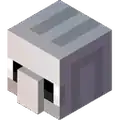
- An external application that allows students to code in the Minecraft world.
- An interface used to program agents and other in-game events using editors.
- A version of Microsoft MakeCode designed for Minecraft Education.
- A list of the most popular educational worlds and content to import and use.
Easy Classroom Collaboration
- A classroom of up to thirty (30) students can play in a world together with no separate server setup required.
- Students can work together in pairs or groups simply by joining their classmates' world.
Simple, Secure sign-in
- Individual student and teacher logins with Office 365 Education accounts ensure data privacy & security while playing Minecraft: Education Edition.
Commands
Main article: Commands
Blocks
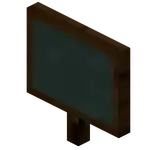
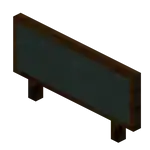
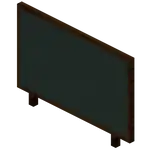
- Allows creators to communicate learning goals, provide additional information and give explicit instructions within the game.
- It comes in three different sizes – Slate (1×1), Poster (2×1), and Board (2×3). Can be edited.
_BE1.png)
- It allows the creation of elements based on their atomic structure with sliders to choose the number of protons, neutrons and electrons.
- There are 118 elements from the periodic table as well as over 400 stable isotopes.
_BE1.png)
- Add elements to the grid to create the according compound.
- There are over 30 compounds that can be created with this tool.
_BE1.png)
_BE1.png)
- It reduces a block to its component elements, providing a useful way to explore the elements that make up the real world.
- Since some blocks in Minecraft do not exist in the natural world, there is a "?" element as a placeholder for fictional elements.


- TNT that can destroy blocks underwater.
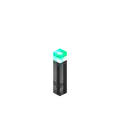
- Torches that can function underwater.
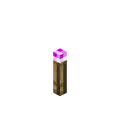
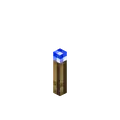
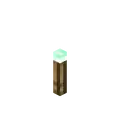
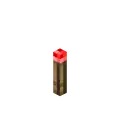
- Torches that are colored. However, these do not produce colored light.

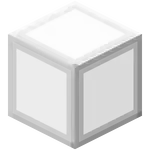


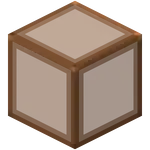


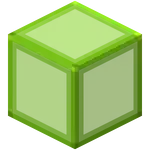

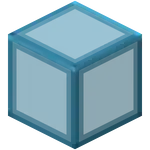
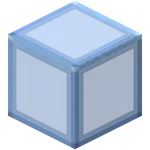

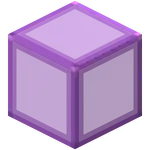

 Hardened Stained Glass[note 2]
- Glass blocks that have a significantly higher blast resistance and hardness than standard glass blocks.
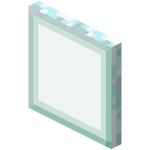


 Hardened Stained Glass Pane[note 2]
- Pane variants of hardened stained glass blocks.

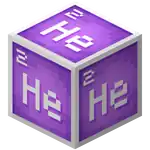
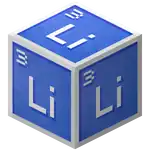
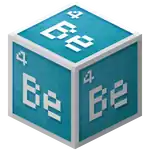
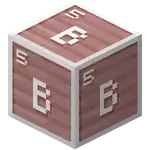
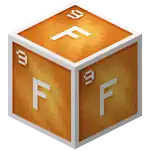
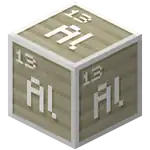
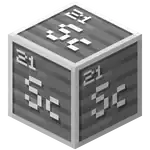
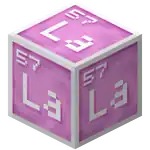
- Used for creating compounds.
Items

- Allows students to document the development of their projects.
- Contains an in-game screenshot that can be displayed in an item frame or book.
- A substitute for white dye.

- A projectile that freezes water, similar to the Frost Walker enchantment.
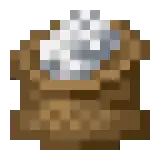
- An upgraded form of bone meal, growing plants instantly.
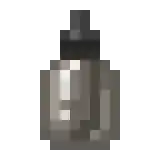
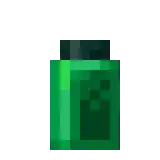
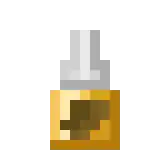
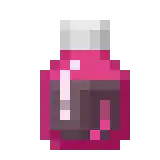
- A type of potion that removes a specified effect.
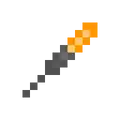
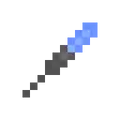
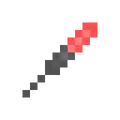
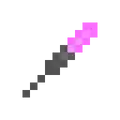
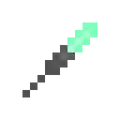
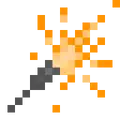
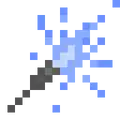
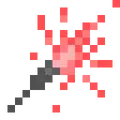
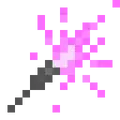
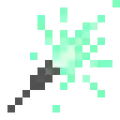
- Item that emits particles when lit. Available in orange, blue, red, purple, and green colors and can be held in the offhand.


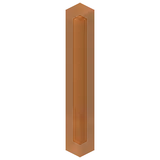
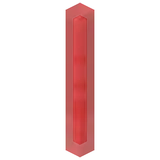
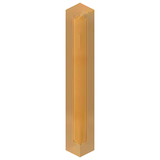
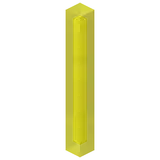
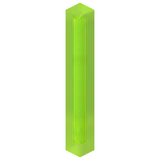
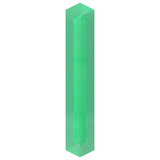
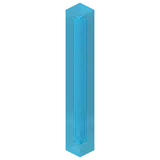
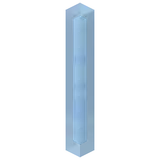


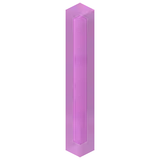
- Item that can be lit up in the player's hand for a limited time. They do not produce colored light.



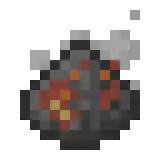
- Created by combining elements.
Entities
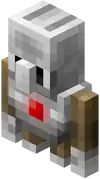
- A golem-like mob that can be programmed to perform specific actions.


_BE1.png)
_BE1.png)
_BE1.png)
_BE1.png)
_BE1.png)
_BE1.png)
_BE1.png)
_BE1.png)
_BE1.png)
_BE1.png)
_BE1.png)
_BE1.png)
_BE1.png)
_BE1.png)
_BE1.png)
_BE1.png)
- When attached to mobs, it levitates. Levitates when placed and can be tied to fences.
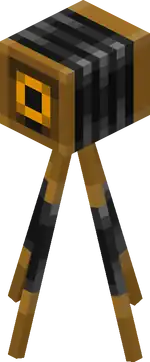
- Allows students to take screenshots.
Notes
- ↑ a b These blocks and mobs also exist in Bedrock Edition, but are unobtainable without add-ons, inventory editing, or third-party software
- ↑ a b c d e f g h i j k l m n o p q r s These blocks and items also exist in Bedrock Edition, but only in worlds with "Minecraft Education features" enabled.
- ↑ This entity is obtainable in Bedrock Edition but stays invisible and can't be interacted with, except if it is connected to Code Connection through WebSocket (can be done using external software like CodeConnectPlus)
| |||||||||||||||||||
| |||||||||||||||||||


| Java Edition |
| ||
|---|---|---|---|
| Bedrock Edition |
| ||
| Minecraft Education |
| ||
| MinecraftEDU | |||
| Legacy Console Edition | |||
| New Nintendo 3DS Edition | |||


