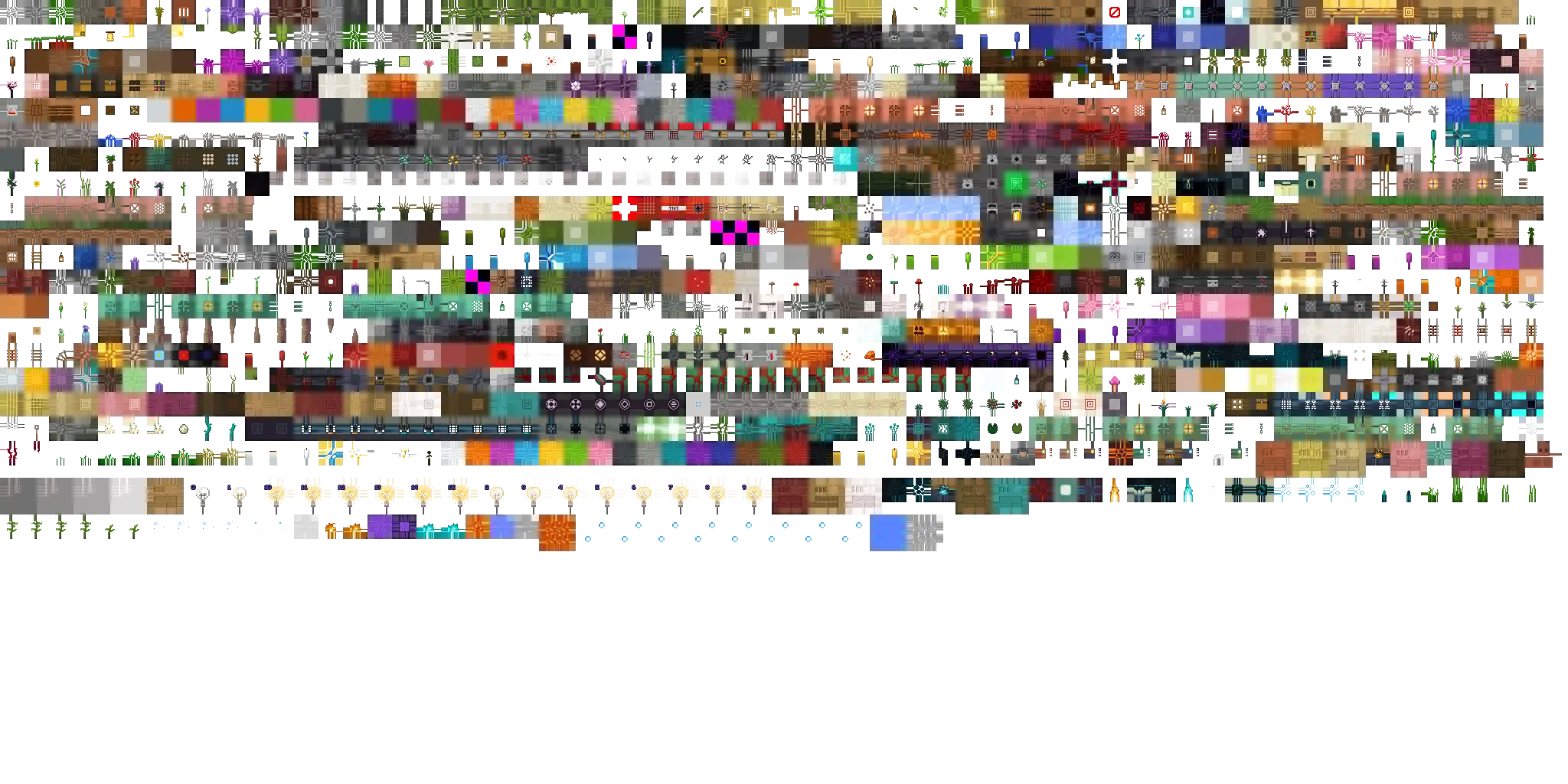
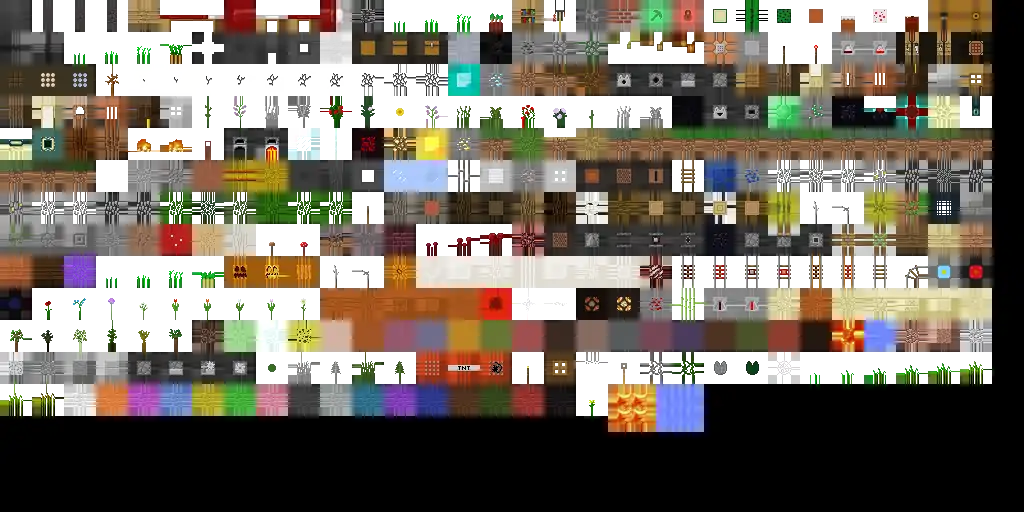
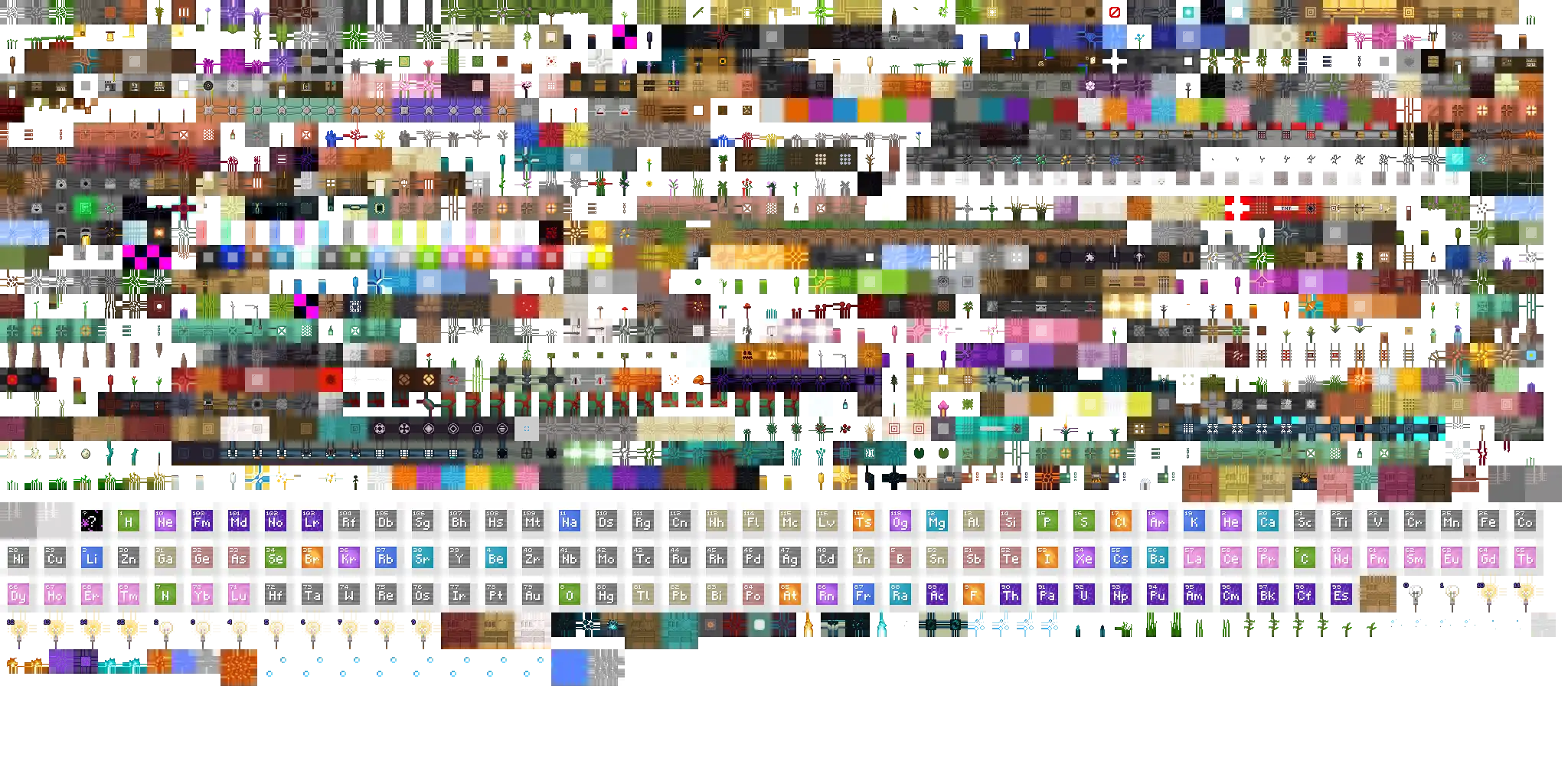
atlas.terrain is a texture atlas used to store block textures.
Format
This section is missing information about:
Is it deterministic like Java Edition's?
If Minecraft Earth was based on the BE engine, does it also have this atlas?
Are 3 different atlases generated for opaque, semi-transparent, and transparent or does it just generate these when 3d exporting?
Does Minecraft Education have the same atlas as Bedrock Edition?
Please expand the section to include this information. Further details may exist on the talk page.
atlas.terrain is a 2048×1024 pixel file that is split into 16×16-pixel squares with 8 pixels of padding for blocks. It is generated from terrain_textures.json in alphabetical order when a world is joined. If a texture is referenced multiple times, it will appear once in their first spot. If a broken or nonexistent texture is referenced, a missing texture will appear in its spot, even if there is a different missing texture before.
Any textures added to terrain_textures.json in resource packs will be added to atlas.terrain, including ones in add-ons and when Minecraft Education features is enabled.
Viewing
This section is missing information about:
method to export or even just see the atlas from versions a0.15.0-b1 to 1.1.7
Please expand the section to include this information. Further details may exist on the talk page.
You can obtain the file by using a structure block set to 3d export mode There has to be a semi-transparent block like stained glass to export the right image. You can then convert it to a OBJ file and take out the correct one.[more information needed]
It can also be viewed by using a resource pack to change items_texture.json to use atlas.terrain for the texture name. This will cause items to use the wrong atlas.[more information needed]
Using external programs such as RenderDoc, you can obtain the texture atlas and its mipmapped versions. The image needs to be flipped vertically after being downloaded as a png.

_JE5_BE3.png)