I'm running Ubuntu 17.10 in VirtualBox and the keyboard shortcut for switching to a new workspace doesn't work. Please show me a screenshot that shows how to switch workspaces from the desktop environment in Ubuntu 17.10 without pressing the keyboard shortcut.
Asked
Active
Viewed 2,631 times

2 Answers
4
You can do so by pressing Super/Windows and choosing the workspace on the right hand side of the screen (see screenshot) (or respectively Ctrl+Alt+PageDown/PageUp/→/← in VirtualBox, the 3rd key in the keyboard shortcut sequence depends on which workspace is currently selected).


karel
- 122,292
- 133
- 301
- 332

Videonauth
- 33,815
4
Click the Activities at the left upper corner, then you will have access to the virtual desktops on the right edge of the screen. (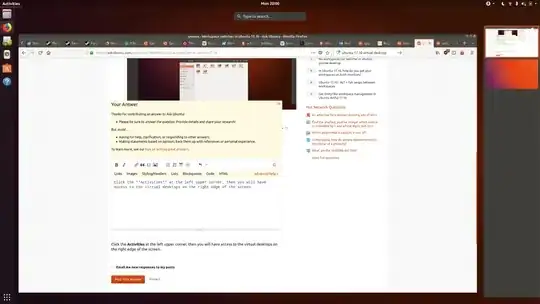 )
)
Source: How can I move through virtual desktop with mouse on Ubuntu 17.10?

skiss
- 146