After you have created a new C# Console Project the way to build it in MonoDevelop is Build -> Build All. A message at the top of MonoDevelop should appear that says: Build successful. The way to run it is to select Run -> Run With -> Mono 4.x.x (4.x.x stands for the Mono JIT compiler version).
A new terminal will open and show these results:
Hello Mono!

Press any key to continue...
If you run it again without closing the terminal, a popup window will open with the following message:
An application is already running. Do you want to stop it?
Click the Stop button to stop it and the C# program (Program.cs) will run again.
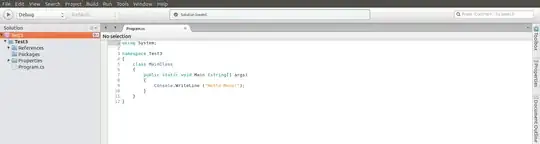
If your C# code ran successfully, you can find an executable file named Test3.exe in the .../bin/Debug folder of your console project. You can run Test3.exe from the terminal using this command:
mono /path/to/Test3.exe


