I want to auto-start all screenlets in unity environment only as it also auto-start in Gnome-shell too (as it is not working well in gnome-shell), i,e, i want to only edit one file not all screenlet items files

as i have a lot of sceenlets on my desktop
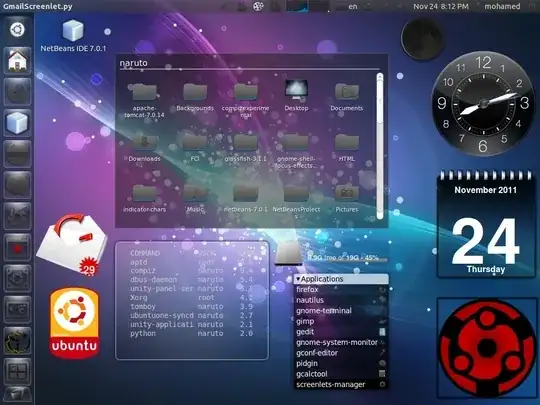
And i know how to auto-start an application from this site.
Asked
Active
Viewed 1,941 times
3

Black Block
- 5,139
1 Answers
4
I don't think its possible to edit just one file - you'll need to edit all the screenlet files - it seems all screenlets in the autostart folder are named [something]Screenlet.desktop
You could use a simple script such as this which would append OnlyShowIn=Unity to all screenlet files in the users autostart folder
To use, copy and paste the following into a file in your home folder called hidescreenlets
Then run the script using:
bash ~/hidescreenlets
If you add more screenlets, just rerun the script.
script:
#!/bin/bash

dir="$HOME/.config/autostart"

if  [ ! -d  $dir ] ; then
  echo "cannot find $dir"
  exit
fi

cd $dir

files=`find -name "*Screenlet.desktop"`
for file in $files ; do
  srch=`grep -i "OnlyShowIn=Unity" $file`
  #echo $file "$srch"
  if [ "$srch" == "" ] ; then
     echo "OnlyShowIn=Unity" >> $file
     #echo $file "$srch"
  fi
done
backing up
If you are feeling nervous... either use Nautilus to backup the ~/.config/autostart folder to another folder or you can achieve the same via the following:
mkdir ~/backupscreenlets
cp ~/.config/autostart/* ~/backupscreenlets
Look at the contents of ~/backupscreenlets - it will have the same files as ~/.config/autostart
If you then want your original files:
cp ~/backupscreenlets/* ~/.config/autostart

fossfreedom
- 174,526