2

I am trying to install the gnome-terminal 3.18.3 in Ubuntu 14.04.

The reason is want to have the username@computer name colored:
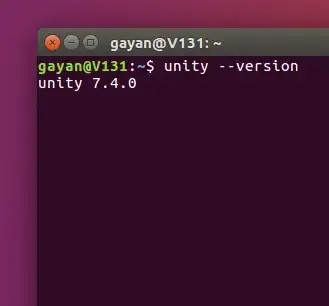
image of username@computer colored

Ubuntu 14.04 has gnome-terminal 3.6.2 by default. This is what I have tried so far:

Runned:

sudo apt-get upgrade -f gnome-terminal

But it says gnome-terminal is already in the newest version.

I found the 3.18.3 package HERE but I do not know how to install it. Once extracted the gnome-terminal_3.18.3-1ubuntu1.debian.tar.xz file there is a python script gnome-terminal-wrap, I guessed it was the installer, but didn't worked.

Does someone know how to install it?

If this is not possible, is there a way to color the username@computer text?

PD: Or installing gnome 3.18....

Thanks a lot.

muru
  • 207,228

2 Answers2

4

You can edit ~/.bashrc and apply the change yourself.

Open up ~/.bashrc and look for the following line:

#force_color_prompt=yes

Remove the # from the beginning of the line and save.

You will have to source the file for the change to apply. If you reboot everything should work.

If you want to change the colour as well, see this: Changing colors for user, host, directory information in terminal command prompt

Tobias
  • 1,678
0

You can download the debian package from this link http://packages.ubuntu.com/xenial/gnome-terminal and simply install it with dpkg or ubuntu software center if you have problem with the dependencies you can do sudo apt-get install -f for fixing it.

mone27
  • 41