4

I am watching quite often DVDs in VLC on Ubuntu while surfing. As my screen isn't very big, I don't want to waste screen space. But I can't resize the window exactly to the size of the video. Changing the aspect ratio didn't help.

Here is a screenshot to make clear what I mean: enter image description here
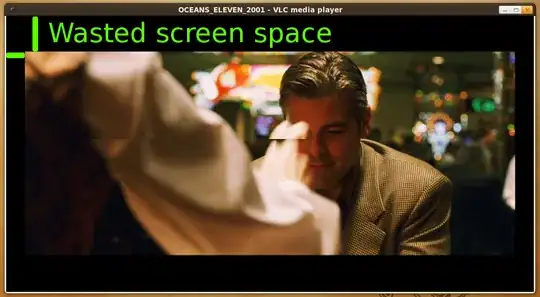
How can I get this screen space?

Martin Thoma
  • 20,535

2 Answers2

8

I had the same problem - it might have to do with the video card acceleration. Go to Tools, Preferences and then Video.

Uncheck the box about accelerated video output, under Display.

Screen cap

4

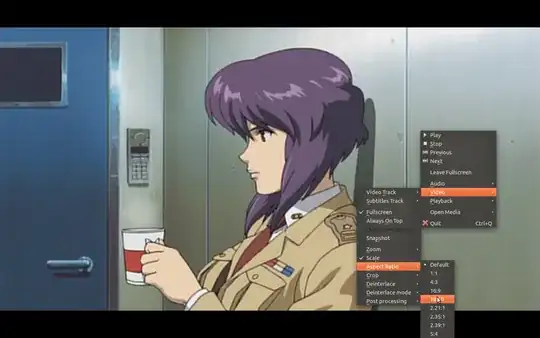
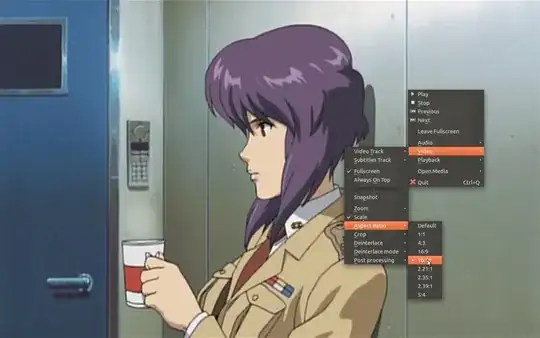
By changing the Aspect Ratio. Press the A key when playing the video to change its aspect ratio. You can also right-click -> Video -> Aspect Ratio and then choose the appropriate aspect ratio that suits your needs.

Before: (Notice the gap on the top and bottom) enter image description here

After: (Notice that the black space is now filled with the video) enter image description here