I'm very new with Linux and I'm trying to set up a testing network with VMs by following this video series.
I downloaded Ubuntu server 64bit version 14 and installed it using VMware workstation. I wasn't sure of many of the questions asked during the installation process but I mainly went with the defaults. Now that the machine has booted I can't login. I remember the password and name I gave to the only account I created.
What's the default account and password?
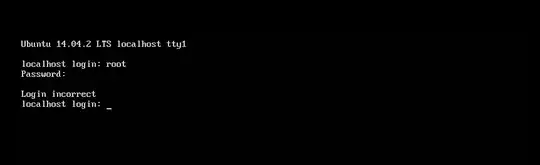
UPDATE: somethings screwed up. I tried a new VM and noticed I'm never given the opportunity to select a password. However, in VMware it detects the installation as Ubuntu and asks me to enter my name, username and password (and I'm 100% sure the password I selected is the one I'm entering).
UPDATE 2: I tried setting the time in the .vmx to let the option screen stay longer and this is what I get
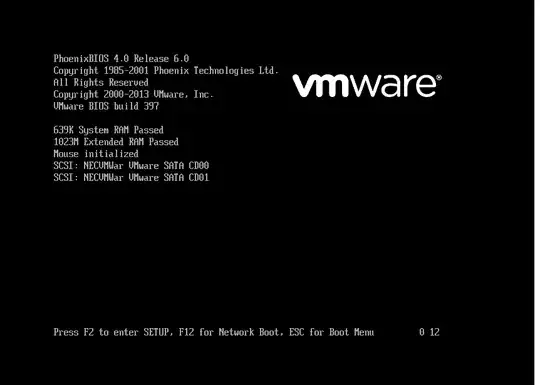
It is possible no bootloader was installed (this is a fresh in stall so I don't mind junking it and starting from scratch).
Just to be clear this is the ISO I installed with: ubuntu-14.04.2-server-amd64


