3

I have fresh installs of Ubuntu and am trying to get it to default to showing the path bar in file open dialogs. Currently, if I am prompted to save or open a file a file dialog is shown but defaults to the "Places->Recently Used" folder. I would like it to either default to "Documents" (which shows the path bar), or just always display the path bar in the file dialog.

Bonus, is there a way to have the path bar accept URLs? Say I am prompted to have a image uploaded to a site and I have a URL of the image, in windows I can just paste the URL in the path bar, Ubuntu doesn't seem to be able to do this. Is it possible?

KDecker
  • 278

3 Answers3

2

Just as a reminder: like any Unix system, Ubuntu has a lot of "strata": the kernel proper, the operating system (the collection of programs that "dress" the kernel and allow it to work), and on top of that the graphic/desktop system. Ubuntu has a choice of DE (desktop environments) --- Unity, Gnome, KDE, Xfce, and more. The interface you mention is related with the DE you are using.

You are not stating which desktop you are using; if it's Unity or Gnome the default file chooser would be the one provided by gtk. The plain "Ubuntu" comes up with Unity as the default DE.

The option available for this chooser can be found with the command dconf-editor; run it(1) and navigate to org > gtk > settings > file-chooser.
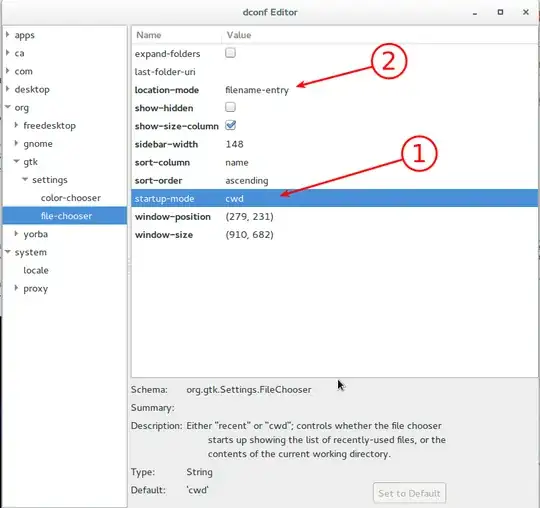
dconf-editor of file-chooser properties

In 1, you choose if the starting directory is the "Recent" files or the current directory (which one is this will depend by the application). In 2, you can choose to have just the path bar (default) or having a field to manually enter a filename.

I do not think there is more configurability... the gnome to gnome2 to gnome3 evolution has seen a lot of "simplification" that reduced this kind of tweaks. If you want a much more configurable desktop, probably you should look at KDE.

As far as I know, the option to use a remote link as a local file is not implemented in the gtk file-chooser.


Footnotes:

(1) install with sudo apt-get install dconf-editor if you do not have it.

Rmano
  • 32,167
0

In Gnome; you can press Ctrl+L to show the URL text box

Just type in the file location in this URL path. and on pressing enter it would

  1. Select the file; if the URL is a file on yours system
  2. Show the directory content; if the URL is a directory on yours system.
0

If I may make a suggestion, it sounds like you would be interested in Konqueror. It is a very powerful and configurable file manager and web browser. Because it is vastly more configurable than Nautilis, you should be able to set the UI however you want. You could set your default home page to your documents folder. If you open a file path in Konqueror, it will display a file browser. If you open a web URL, it will display a web browser view. Konqueror is a part of the KDE (K Desktop Environment) so it does pull in a lot of KDE libraries when you install it, but it will work in Ubuntu just fine. You can easily install Konqueror from the Software center.

Here is more information on Konqueror: https://konqueror.org/features/application.php

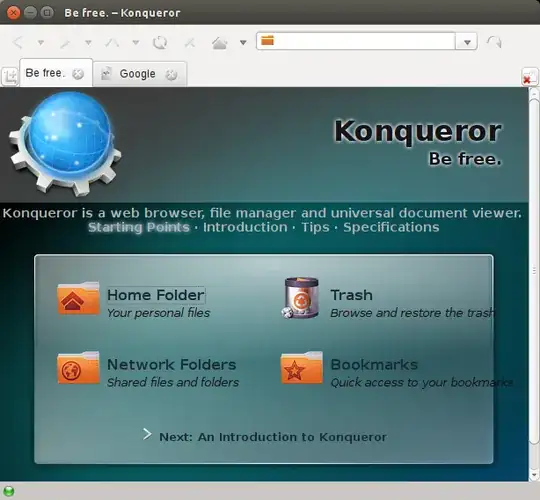
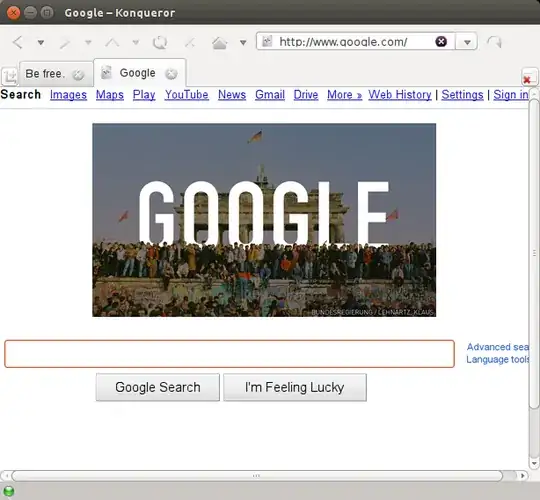
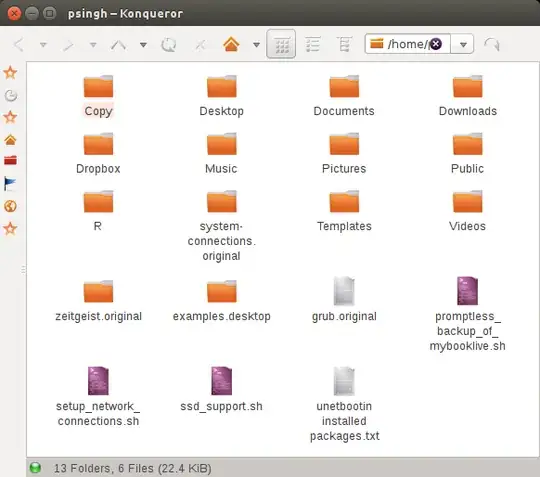
Here are some screen shots of Konqueror. (Note that the button and folder/file icons in the pictures will likely be different than your's, because I've configured different icons than the Ubuntu defaults).

Konqueror Defait View

Konqueror Web View

Konqueror Files View

Enterprise
  • 12,792