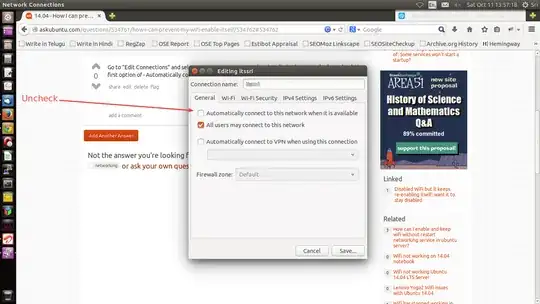
I'm often use my LAN connection than WiFi so I keep WiFi disabled. But in some case (looks like randomly) system enable it. So how I can disable it till I need it?
I see this post Disabled WiFi but it keeps re-enabling itself; want it to stay disabled but answers says just how to remove connection since I need just disable it.