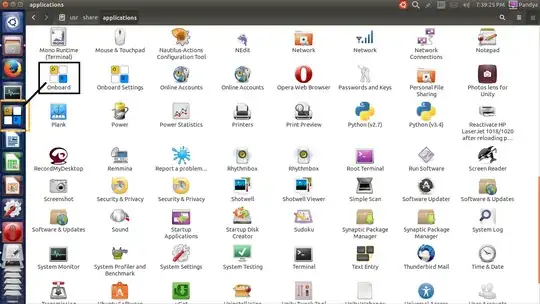
I would like to have some easier way to launch "onboard" (on-screen keyboard utility).
Once onboard is launched it conveniently sits on a service bar (would be nice to have some improvements there too) but before it is activated one needs to search for it in installed applications every time ubuntu is started.
I would like to place onboard launcher on the desktop (as it never appears in launcher bar so onboard cannot be locked to it)
I have tried various recipes (including making symbolic links) but none is working for me.
Is it somehow possible to create a desktop icon to start onboard when it is not started?