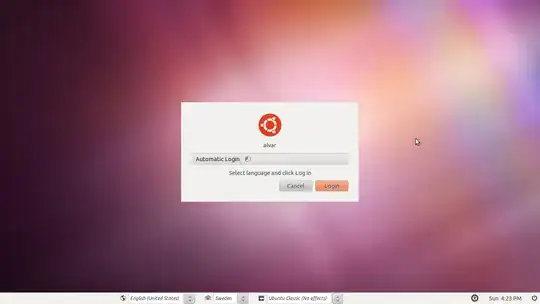
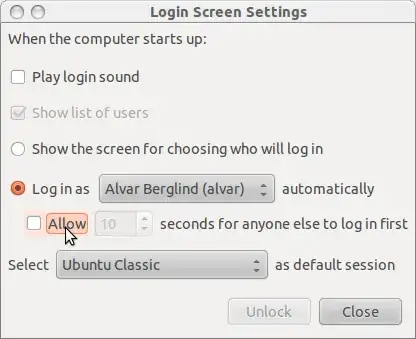
I have auto-login on my 11.04 but when I start up I come to the login screen and it says "choose a language" but my language is already selected (English USA) to login I just press enter, but why does the screen come up? How can I make it go away?
This is how it looks on start-up.
I know this is a bug rapport in 11.04 but I was hoping for a workaround.