I am able to think of several solutions to your issue. Try these and comment which one actually works below(or even if none of them works.)
The solutions here are in no particular order. That is it doesn't mean that Solution 1 has a higher chance of solving this issue than Solution 2.
Solution 1 - Tweaking unity:-
1- You must try resetting unity. For this make sure you have Unity Tweak tool. To install Unity Tweak tool, connect to the internet, open a terminal(with Ctrl+Alt+t) and type the following commands one by one:-
sudo add-apt-repository ppa:freyja-dev/unity-tweak-tool-daily
sudo apt-get update
sudo apt-get install unity-tweak-tool
After installing Unity Tweak tool with the above commands type this:-
unity-tweak-tool --reset-unity
This will reset unity.
Refer to this question's answers for more information on resetting unity.(Credits for this solution goes to that question's answers.)
2- If that doesn't work you might want to try uninstalling and reinstalling unity. For this(exercise caution) and type in your terminal:-
sudo apt-get remove unity
sudo apt-get install unity
Solution 2 - Tweaking LightDM:-
1- 50-ubuntu.conf is the equivalent of the famous lightdm.conf in Ubuntu 14.04. First check if there is something wrong with that file. Open it with this command:-
sudo gedit /usr/share/lightdm/lightdm.conf.d/50-ubuntu.conf
See if the file is something like this:-
[SeatDefaults]
user-session=ubuntu
If it is so, then leave it as it is. If it is not so then edit it to look like it is shown above.
2- Now if 50-ubuntu.conf is all right and still the issue persists then try reconfiguring it. For this use:-
sudo dpkg-reconfigure lightdm
Also try(if reconfiguring doesn't work):-
sudo stop lightdm
sudo start lightdm
3- If 1. and 2. don't work then try uninstalling and reinstalling LightDM. For this use the following commands:-
sudo apt-get remove lightdm* --purge
sudo reboot
sudo apt-get install lightdm*
Credits to this and this.
Solution 3 - Checking the ownership of .Xauthority file :-
Sometimes the .Xauthority file's ownership changes to root causing a lot of issues. So check if it has root permissions. If it does have root permissions then change its permissions with the following command:-
sudo chown $USER:$USER ~/.Xauthority
Here the first $USER represents you as a user(is an environment
variable set on boot and represents the user logged in) and the second
one represents your group(the name of your group is same as your
username, so can reuse the variable).
Refer to man chown for more
info.
- (This is an extract from the answer here)
By the way, if the .Xauthority file's ownership is not root then try this(exercise caution when trying to do this):-
sudo cp ~/.Xauthority /user/bin  #Just to have a backup of .Xauthority in a secure directory.
rm ~/.Xauthority
Note:-
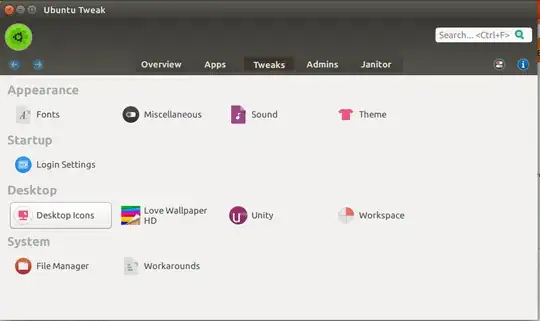
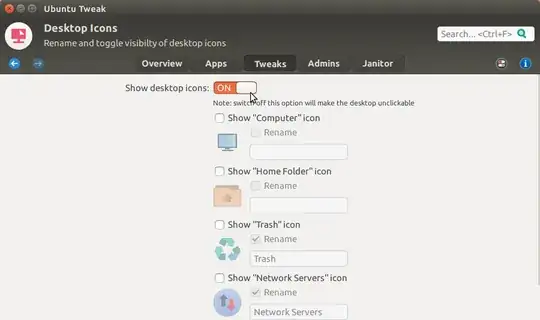
Before you use Configuration tools(like ubuntu-tweak) you must always understand that there are high chances that things can get quite messed up. That is why many configuration tools(like ubuntu-tweak) are not included in the universe repository. So be a bit careful when you use Configuration tools from next time.
Also note that most of the solutions above are not so safe! They might mess up things a bit! So I would suggest you backup all your data before trying them.(The solutions are 'not-so-safe' as you messed up with a 'not-so-safe' Configuration tool as I have explained above! ;-D )