I have an issue with the latest update of Google Chrome on my Xubuntu 14.04.
When I open a browser, it's webpage region is completely black, only toolbars are visible. When I try to resize or move browser's window it jumps to the bottom right corner of the screen and I can't get it out of there.
The screenshot:
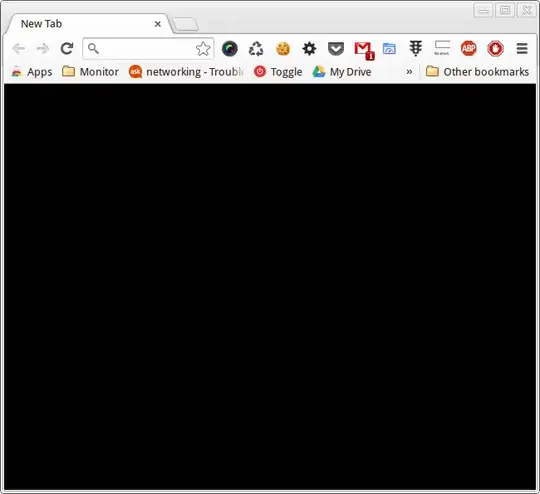
I've tried to re-install it, but it didn't help.
How do I fix it?
UPDATE #1
I've installed the latest version of chromium-browser just to see how it will perform.
There is no black screen in it, but I still have the problem of moving/resizing it's window.

