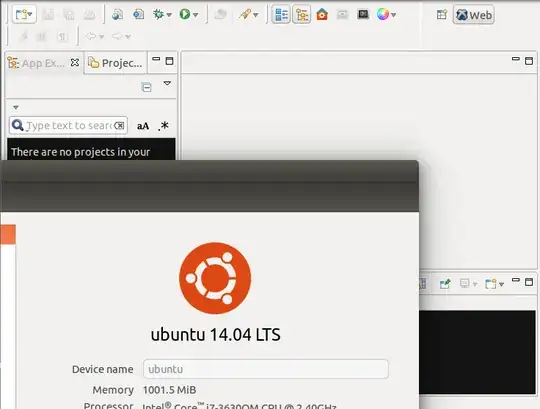
Trying to install Aptana 2.0.5 on Ubuntu 14.04 but after install it is not working. I suppose I am missing something. My steps of installation:
sudo apt-get install openjdk-7-jdk libjpeg62 libwebkitgtk-1.0-0 git-core
sudo apt-get install libjpeg62 libwebkitgtk-1.0-0 git-core
sudo add-apt-repository ppa:webupd8team/java
sudo apt-get update
sudo apt-get install oracle-java7-installer
Downloading standalone version of Aptana:
sudo unzip Aptana_Studio_Setup_Linux_x86_2.0.5.zip -d /opt
Going by Nautilus to the /opt/Aptana Studio/
Now, I launched Aptana Studio, and I get this screen.

for a 2-3 seconds an after that disappear and nothing is happen
I spent a lot of time by trying different tutorials over the web. But nothing can help me.