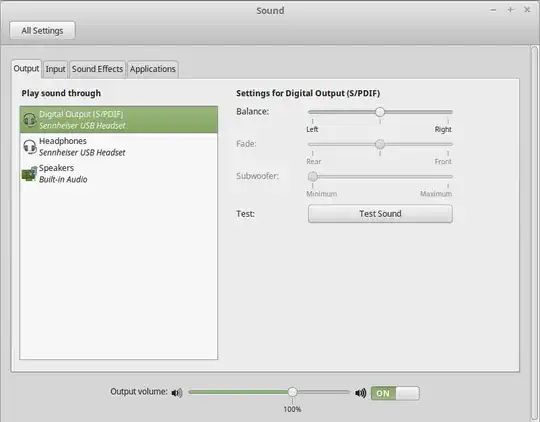
I am trying to record my screen as I speak while recording to make some tutorial video on my Ubuntu laptop. The problem I am facing is that the voice quality is very low in recording and then I tried to use a external usb. microphone with it thinking that my internal microphone in laptop might not be as good quality as of the external one(Logitech usb microphone). after connecting the external microphone through usb I can see the external microphone in sound settings of Ubuntu but in kazam preferences I can see only 1 internal microphone which is confusing?
So can anyone help me
- to get the volume of my recorded video higher?
- how to get the volume of my recorded video high?
right now it records fine but only thing that is loud is the keystrokes as its internal microphone and my voice is very low.
I tried increasing input volume of microphone to Unamplified 100% in sound settings(input) but all it does is makes video with a lot of noise instead of increasing the volume.