2

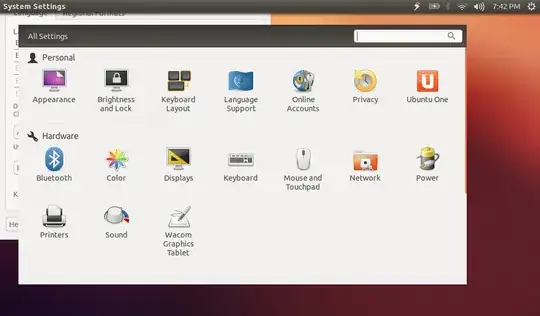
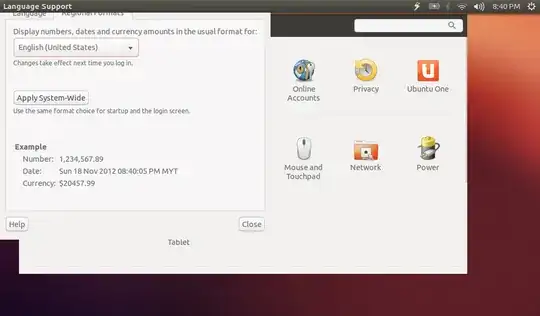
I did something that I don't know and for some reason now I can't click the maximize, minimize and close buttons even resize the window, the title bar just fixes at the top without these buttons and I can't move the window too.

window cannot be closed

error

What should I do to be able to see the title bar with the buttons again?

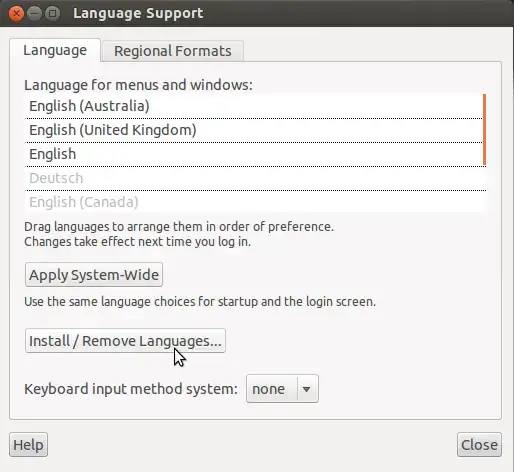
EDIT: what i want the window is look like this not the above one.

enter image description here

Jorge Castro
  • 73,717
CT5275
  • 83

5 Answers5

2

It happens when the windows-manager is not working. The windows-manager should automatically restart if its process is terminated, but sometimes it don't happen. I first would recommend the system reboot, so the windows-manager would be started automatically by the own system. If it did not happened you could try to run it manually from the Terminal, with the following command:

$ compiz

Or

$ compiz --replace
Zignd
  • 10,982
2

I found a solution that is available on here under Open Up a Window in Center

It simply works for me and the windows appear as what I want. Now I am able to ALT+Drag the windows, the buttons are showing up too. Fixed

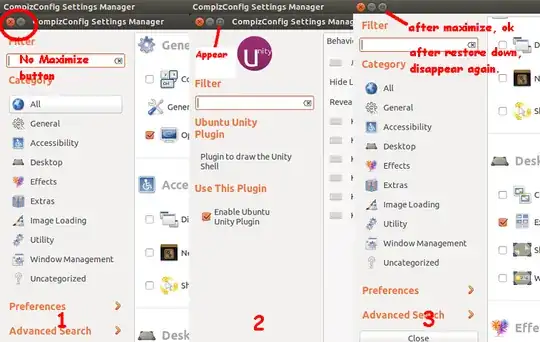
I still consider my situation (before solve) a bug, since I can't Alt+Drag the window, and after restore down the window, the three buttons not showing up as shown in the images under the question. The title bar just fixes at the top without these buttons and causes me to be unable to close some of the windows, this is not normal.

Now, another bug appears, after I start Compiz, I realize that only the Maximize button not showing up, so I just ignore and click into the plugin, then the Maximize button magically appears, I click on it to maximize and click again to restore down, it just disappear again. So far, It happens only on CCSM, I don't know it is normal behaviour or not, just weird. bug
CT5275
  • 83
0

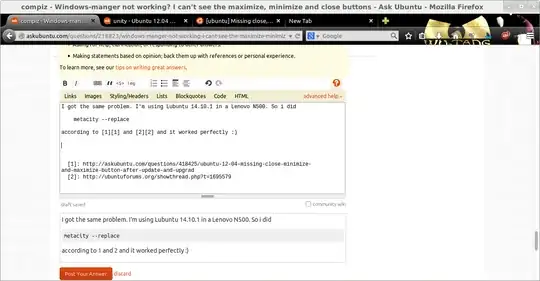
I got the same problem. I'm using Lubuntu 14.10.1 in a Lenovo N500. So i did

metacity --replace

according to 1 and 2 and it worked perfectly :)

enter image description here

Sergio
  • 250
  • 3
  • 10
-1

If I've got you correctly, you're trying to move that windows hidden by the statusbar, right?

To do so, press and keep the ALT key pressed and then left click and drag the window. You will then be able to click its close and minimize and maximize buttons.

EDIT : If none of these solutions work, file a bug in Launchpad by typing ubuntu-bug ubuntu in a terminal. To bring a terminal up, type CTRL-ALT-T. Then, follow the instructions.

Farid
  • 728
-1

Open up a terminal and run

unity --reset

See if it helps