1

So yesterday I changed password on ubuntu, but today I wanted to revert it so I entered user accounts and tried to change it, but sadly I could not. It told me password is not secure enough or something then i disabled log in options, but i want it back as it was
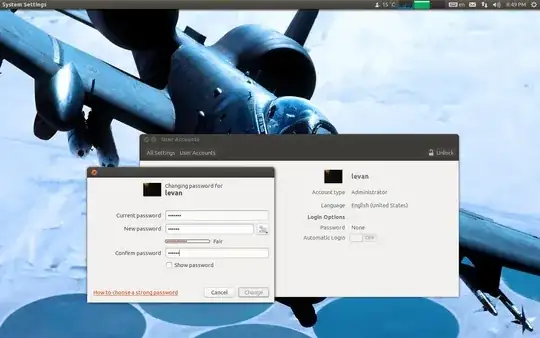
enter image description here

I cannot use sudo as I don't know what password to enter.

Now I can not change password at all

any way to make it as it was?

Flimm
  • 44,031
Levan
  • 11,118

2 Answers2

1

You can still set a simple password by using the passwd command:

sudo passwd <username>
Isaiah
  • 60,750
0

i had this problem before, but as i was running ubuntu off a usb i had made complete backups, i suggest you use windows to locate the syslinux folder and change syslinux.cfg to allow the boot menu, it explains:) and then press escape when booting ubuntu and seeing a purple screen

at this point i dont remember what to do but im sure the search box tells you, i remember seeing a forum on how to reset or change if you forget your password