Whenever I press Alt + Tab , Unity moves the window I'm switching to so that the whole window is inside the screen. This behavior is excruciatingly annoying because I often move a window (usually text editors) partially outside the current screen so I can view another window below it (usually a browser). Every time I Alt + Tab back to the text editor, I'm getting an unnecessary virtual screen switch, and Unity is rearranging the windows behind my back.
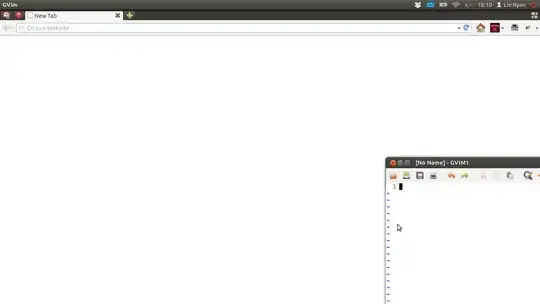
For instance, here is a browser and text editor on Virtual Screen 1 (top left), note that the text editor is partially outside the current screen:
Then I Alt-Tab to the browser (or clicked on it):
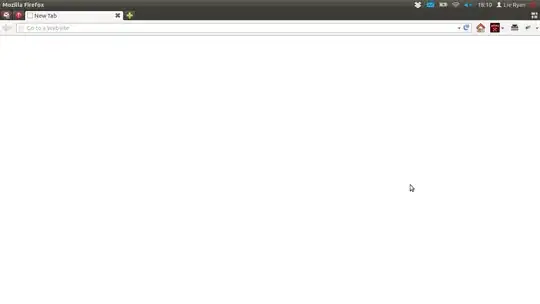
Next, I Alt + Tab again to get back to the text editor, but Alt-Tab switched me to Virtual Screen 4 (bottom right) because a larger percentage of the text editor window is on virtual screen 4 than in virtual screen 1; and the browser is no longer in the screen. Also note that the text editor window moves from being on the bottom-right to the top-left, which is very disorienting as I can no longer keep track of where any of my windows are since they all keep moving around by themselves..

How do I disable this behavior? I don't want to have any virtual screen switch when Alt + Tab , especially since Alt + Tab does not list windows that is completely not in the current virtual screen anyway.


