3

I'm working on a project that requires me to open some new bash windows to start the docker, server, etc. of the project. I'm trying to make a script so I can start things faster. So far I have this:

#!/bin/bash
cd dev/proj/prod/;
konsole --hold --new-tab -e echo "Hello World";

The problem is that a new window is open in Konsole with the text displayed, but the bash is stuck:
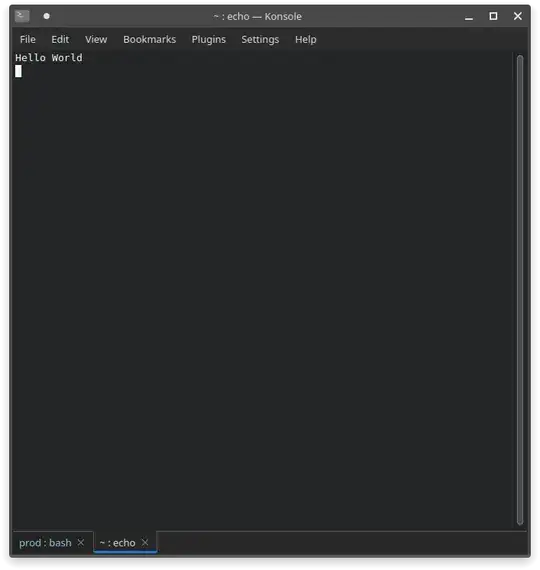
(bash image).

I'm running the script with . proj.sh .

terdon
  • 104,119
Matiata
  • 35
  • 4

1 Answers1

2

I'm working on a project that requires me to open some new bash windows to start the docker, server, etc. of the project . . . I'm running the script with . proj.sh

The proper way to do that is to remove konsole --hold --new-tab -e ... from your proj.sh file (keeping other commands you want executed in the new Konsole's Bash shell e.g. cd, docker ... etc.) and then source that file in the new Bash shell that will be launched in a new konsole window like so:

konsole --hold --new-tab -e '/bin/bash --rcfile /path/to/proj.sh'

or to detach it from the original terminal's Bash shell:

konsole --hold --new-tab -e '/bin/bash --rcfile /path/to/proj.sh' & disown

For more explanation, please see this related post about gnome-terminal:

How to launch gnome-terminal and activate a python virtual environment?

Raffa
  • 34,963