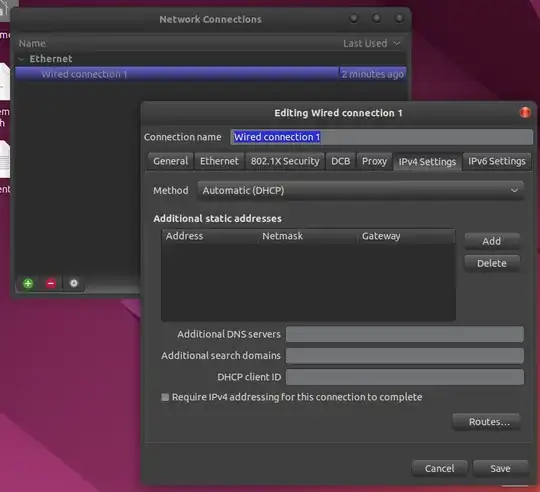
I am using Ubuntu 22.04. I recently moved to a new place with a different wifi. When I connect to the wifi on other devices running Windowns/android/iPodOS everything works well. But on my ubuntu I am unable to access many (most) sites. I can access google affiliated sites and use google search, as well as some other websites. But e.g. stackexchange websites are unreachable on firefox. I simply get a 'Server not found' error. The same happens when I try to ping these sites with ping www.twitter.com.
While connected to the home netowork, I ran ip route list and got no output. On the other hand when I run ip -6 route list I get some output including a default route. When I use my phone's hotspot instead, everything works well and I also get an output including a default route with ip route list. So I'm guessing this is somehow the problem.
I have tried the solution from here and here but nothing changed.