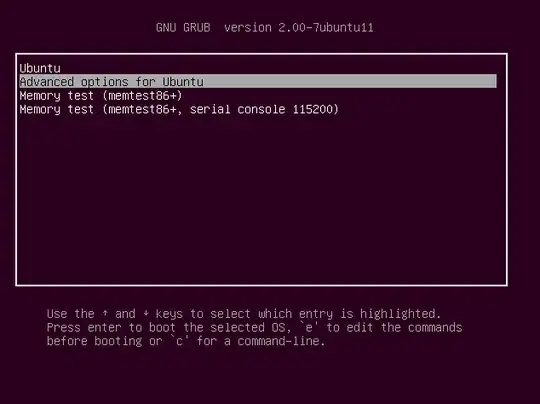
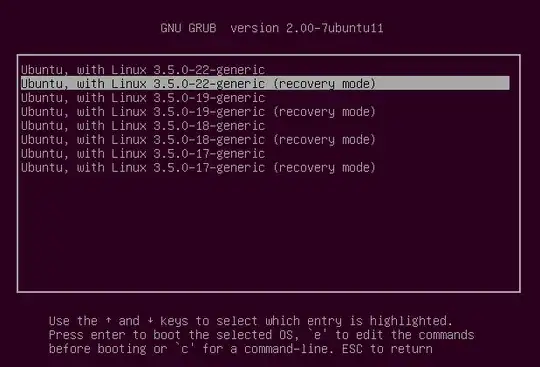
I'm trying to install new ubuntu version 21.04/20.04 from my windows 10 but it's stuck after selecting Ubuntu from GRUB.
My HP windows BIOS mode us UEFI and disabled Secure boot mode.
Downloaded Ubuntu 21.04 from official website and verified with sha256 key
Downloaded Rufus and writen ISO image with partition option GPT and UEFI config
Restarted system and selected my USB hard drive from Boot Manager USB
After selecting USB, Hard drive, I have chosen Ubuntu from GNU then it got stuck. ubuntu stuck img
I tried with nomodeset in GNU grub but the result is same. After quiet splash, i have added nomodeset. grub img
Can someone help me to install ubuntu successfully?