Google Chrome has an option to launch a web page as a windowed 'Chrome app', which, when used with Gnome Desktop, will create a special .desktop file which can be used to run Chrome in a stand-alone mode with its own icon displayed in the dash/dock and window switcher.
The problem with this mode is that Chrome tries to impersonate the GTK theme resulting in a pretty ugly window title. It also takes up unnecessary space displaying the address bar and other controls at the top of the window. This is especially true when using an insecure connection, which is typical for accessing locally-hosted applications.
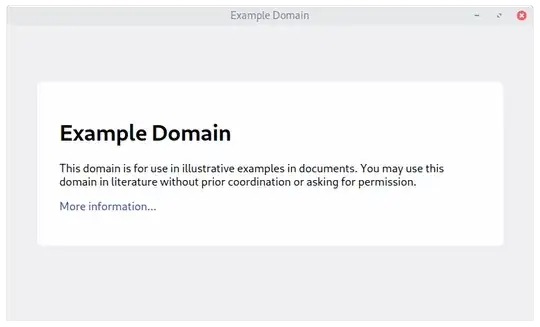
An alternative is to launch Chrome with a --app=http://example.com option, which results in a much nicer experience. A comparison of the appearance of the two modes is at the end of this question.
I can create a .desktop file to launch Chrome with the --app option and an icon I specify, but this results in the new window being grouped with other Chrome instances, which all share the same generic Chrome icon entry in the dash/dock and window switcher.
Is there an option, either in Chrome or Gnome, to force the window that results from the .desktop file to behave as a completely separate application?
Google Chrome app:

Google Chrome with --app option: